
01
Open on a tab
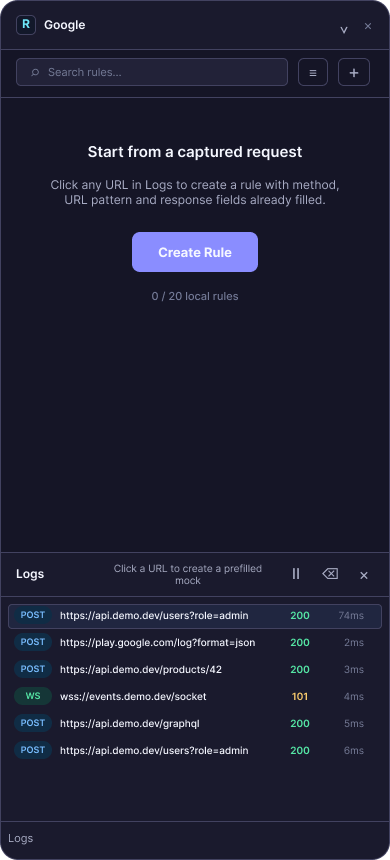
Start Ruse on the browser tab you are testing. The workspace stays focused on that current tab.
Chrome extension for local API mocks
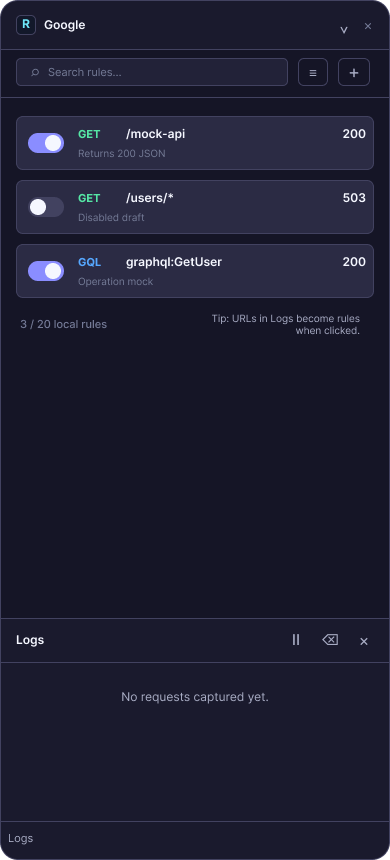
Ruse watches the tab you are testing, captures real requests, and turns any log URL into a local mock rule. Collections keep your scenarios tidy.
The core loop
Start Ruse on the browser tab you are testing. The workspace stays focused on that current tab.
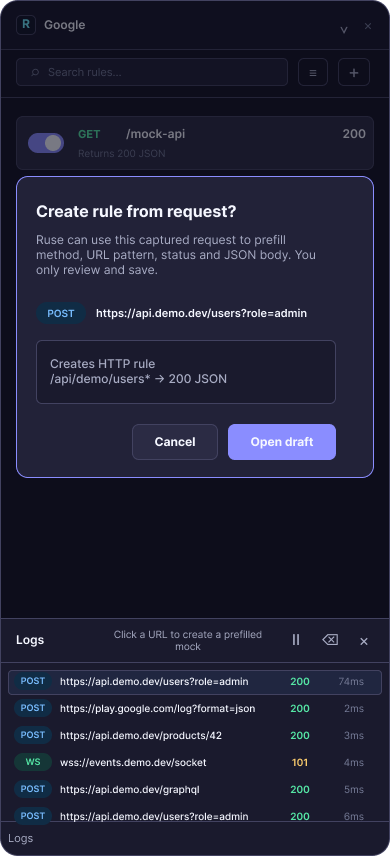
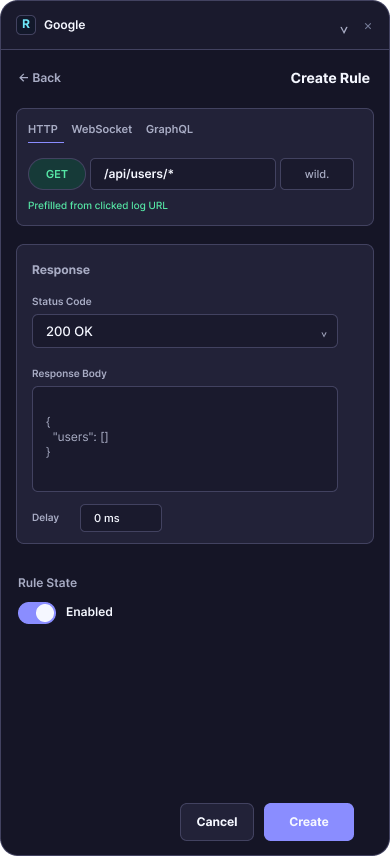
Click a URL in Logs and Ruse opens a draft with method, path, status, and response shape already started.
Save the mock into a collection or keep it ungrouped. Your local rules stay tidy as scenarios grow.
Launch-ready proof
Ruse stays intentionally focused: current-tab capture, local rules, click-to-draft creation, and simple collection organization for the mocks you actually use.
Ruse attaches to the tab where you open it. Switch away and it asks whether to return or make the current tab active.
Group related mocks into up to 3 local collections, rename them, delete them, or move rules back to ungrouped.
Rules and logs live in browser storage for the core workflow. No login, no cloud sync, no surprise backend.
Before install
No for the core workflow. Request logs and rules are handled in your browser storage.
No. Install the extension, open it on the tab you are testing, and create local rules.
Capture a request from the current working tab, click its URL, create a prefilled mock rule, and organize it into a collection.
Up to 20 local rules and 3 local collections, enough for focused frontend and QA scenarios without extra setup.
Free local workflow. Current-tab capture. Local collections. No account.
Install for Chrome